Manufacturing setup
Before you can write a bill of material with operations, set up the places, machines, people and processes it will refer to. Do them in this order.
| Step | Screen | Menu |
|---|---|---|
| 1 | Work Centers | Manufacturing → Work Center |
| 2 | Machines | Production → Machine Assets |
| 3 | Labor Roles | Manufacturing → Labor Roles |
| 4 | Production Jobs | Manufacturing → Production Job |
| 5 | Holiday Calendar | Manufacturing → Holiday Calendar |
| 6 | Downtime Reasons | Manufacturing → Downtime Reasons |
Work centers
A work center is an area of the plant with its own running cost, such as a CNC cell or the assembly line.
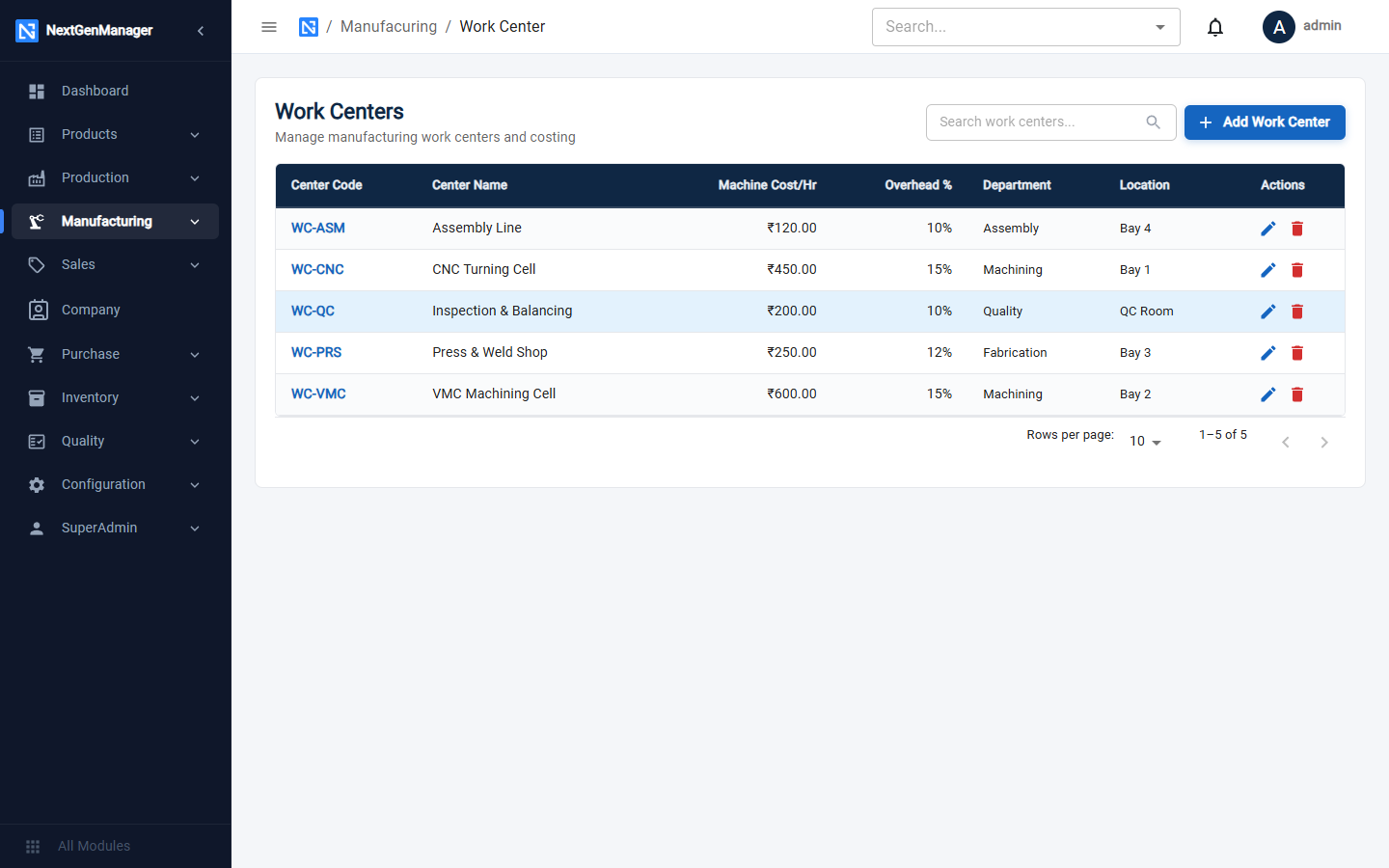
Click Add Work Center.
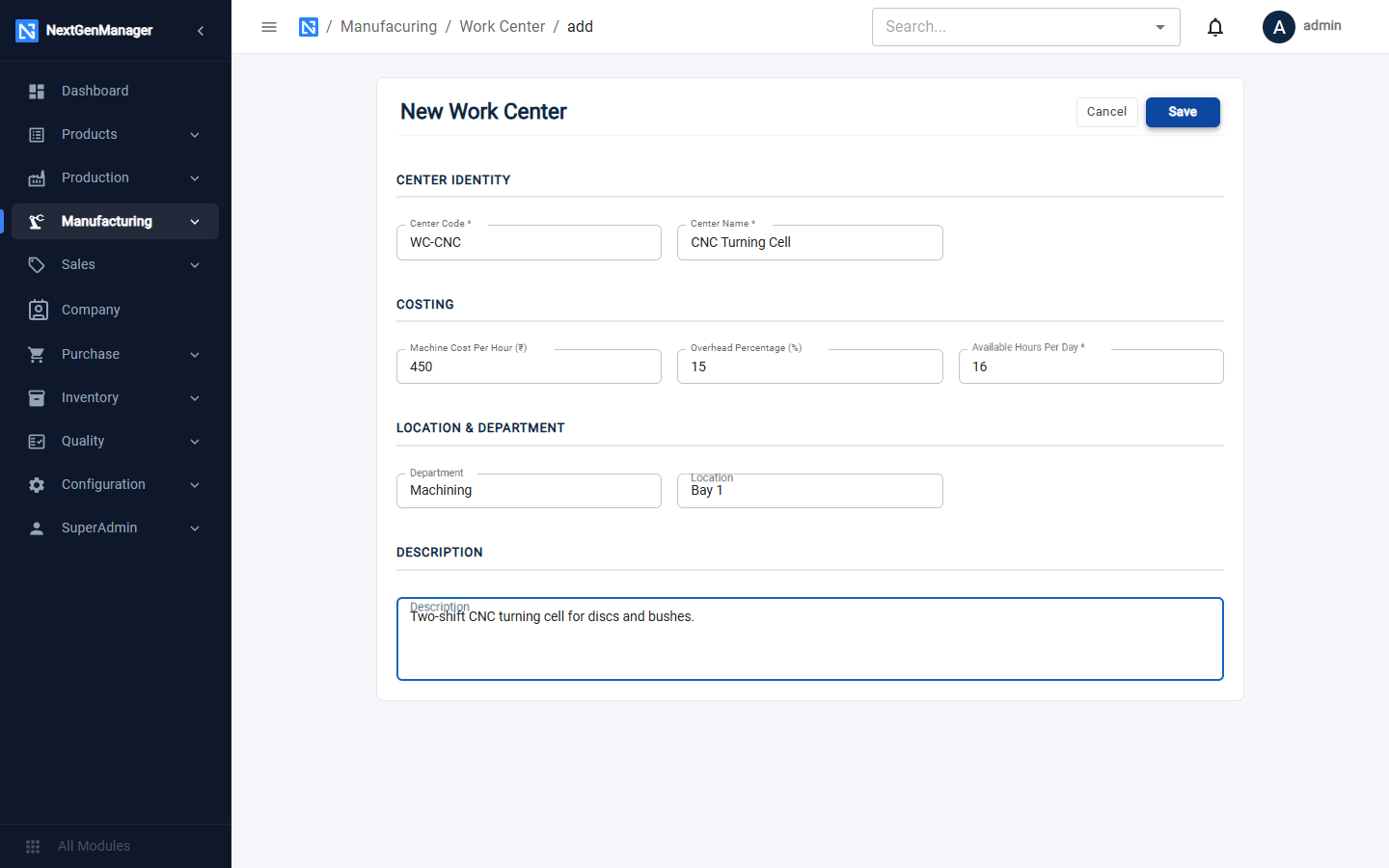
| Field | Notes |
|---|---|
| Center Code, Center Name | Required |
| Machine Cost Per Hour | Cannot be negative |
| Overhead % | Cannot be negative |
| Available Hours Per Day | Required, at most 24. Used when scheduling |
| Department, Location, Description | Optional |
Machines
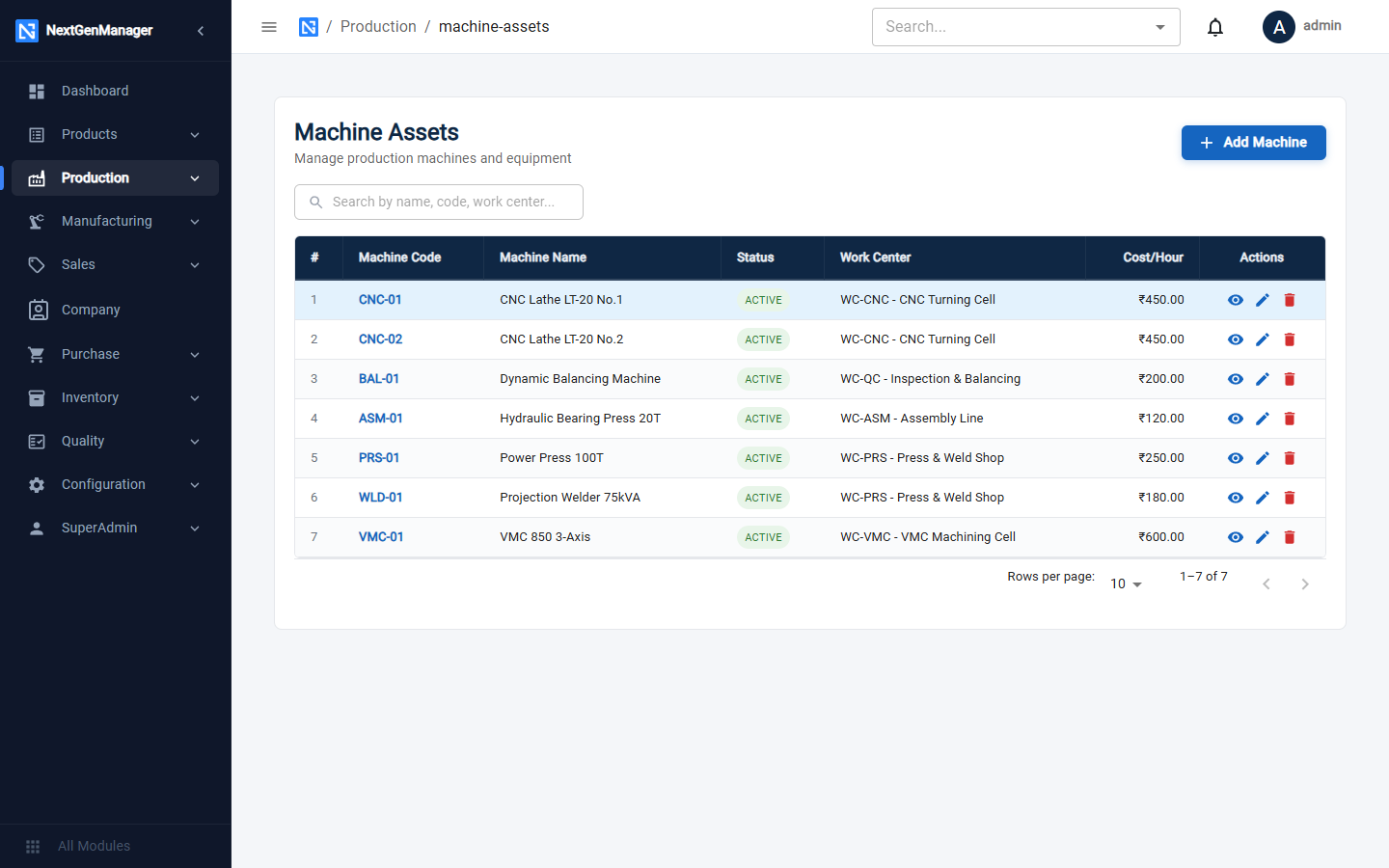
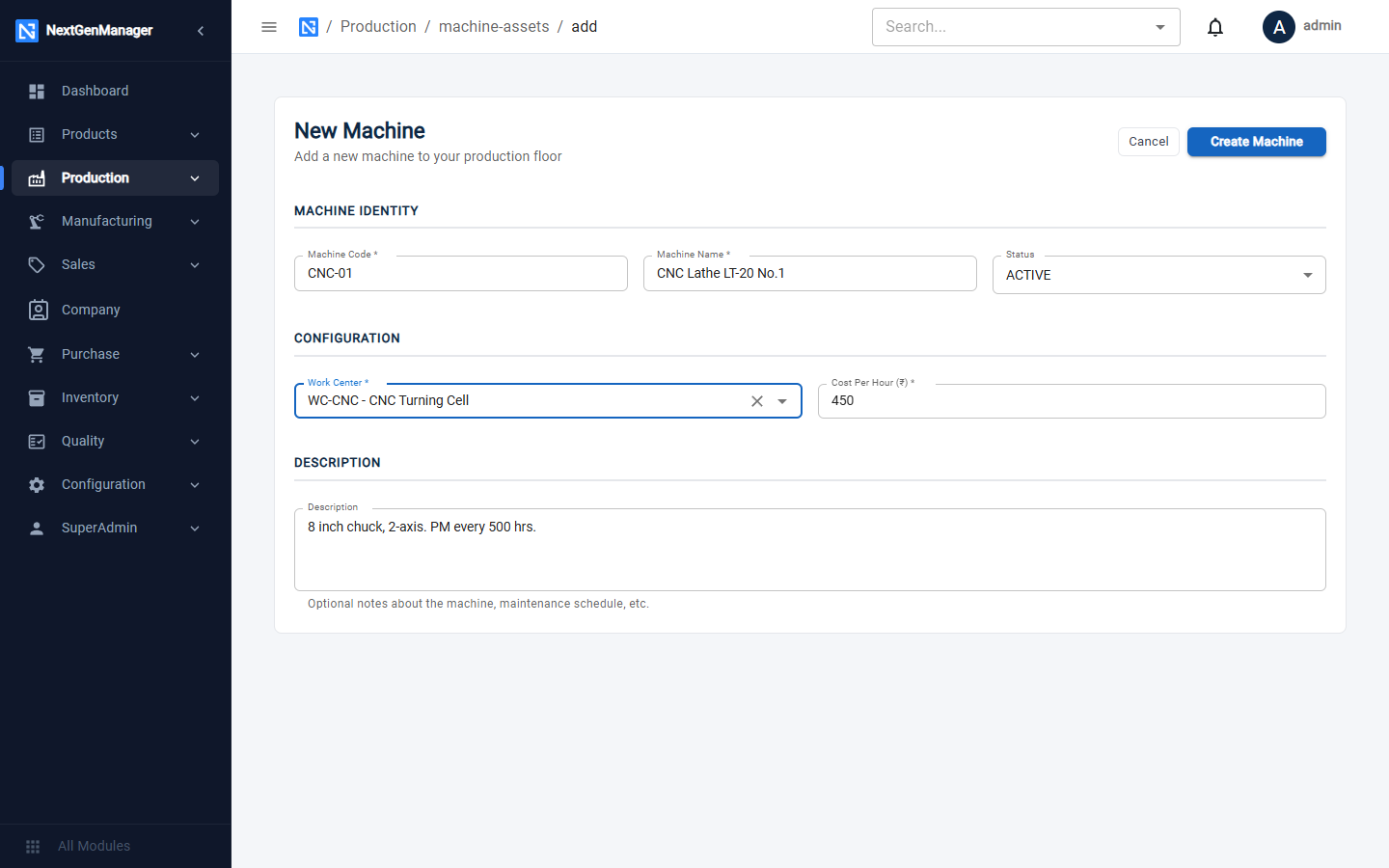
Click Add Machine, fill in the form and click Create Machine.
| Field | Notes |
|---|---|
| Machine Code, Machine Name | Required |
| Status | ACTIVE, UNDER_MAINTENANCE, BREAKDOWN or OUT_OF_SERVICE |
| Work Center | Required — the work center the machine belongs to |
| Cost Per Hour | Required — used to cost operations run on this machine |
| Description | Optional |
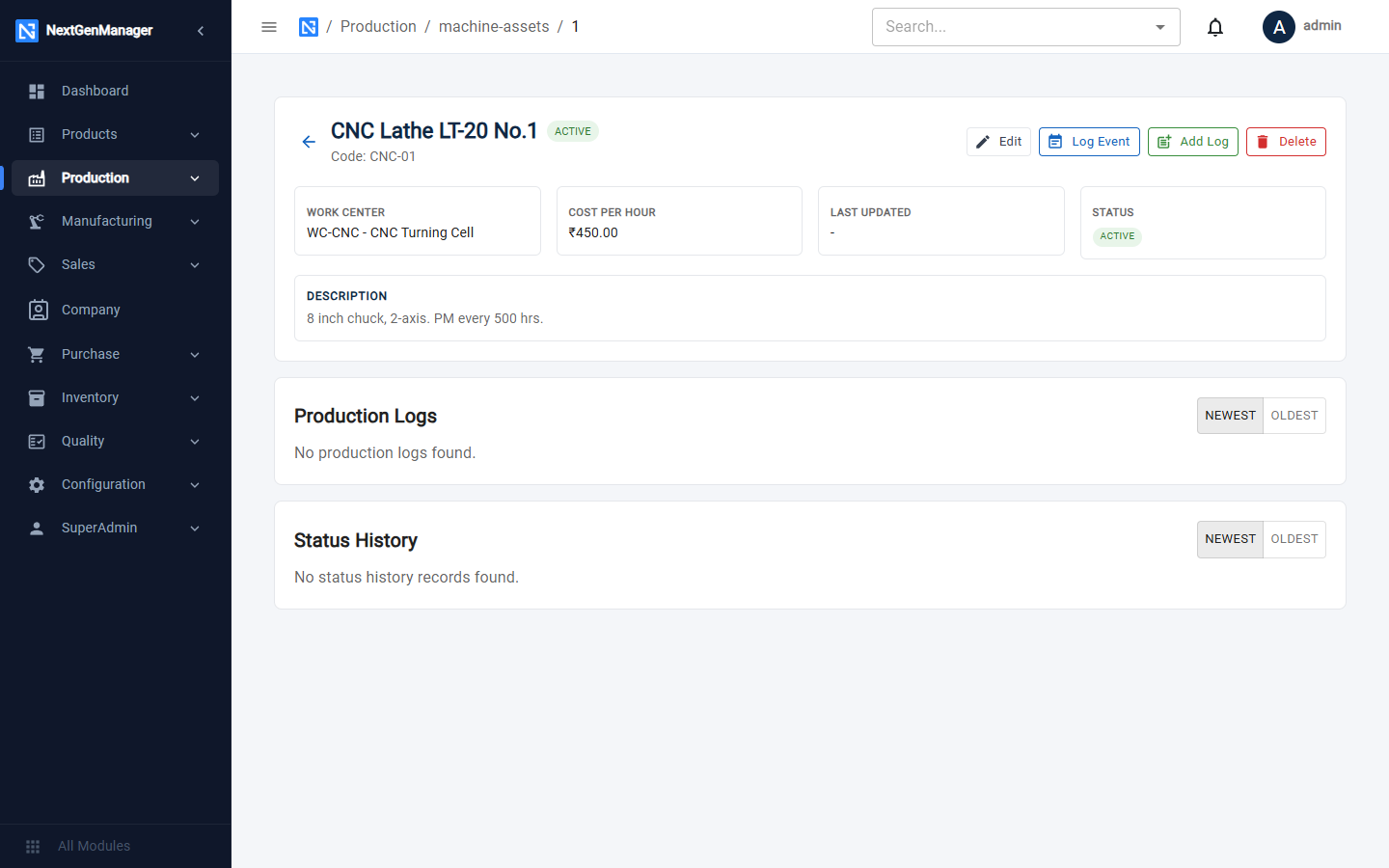
After saving you land on the machine's own page, which shows its details, Production Logs and Status History, with buttons Edit, Log Event, Add Log and Delete.
Labor roles
A labor role is a kind of worker with an hourly cost: operator, setter, welder, inspector.
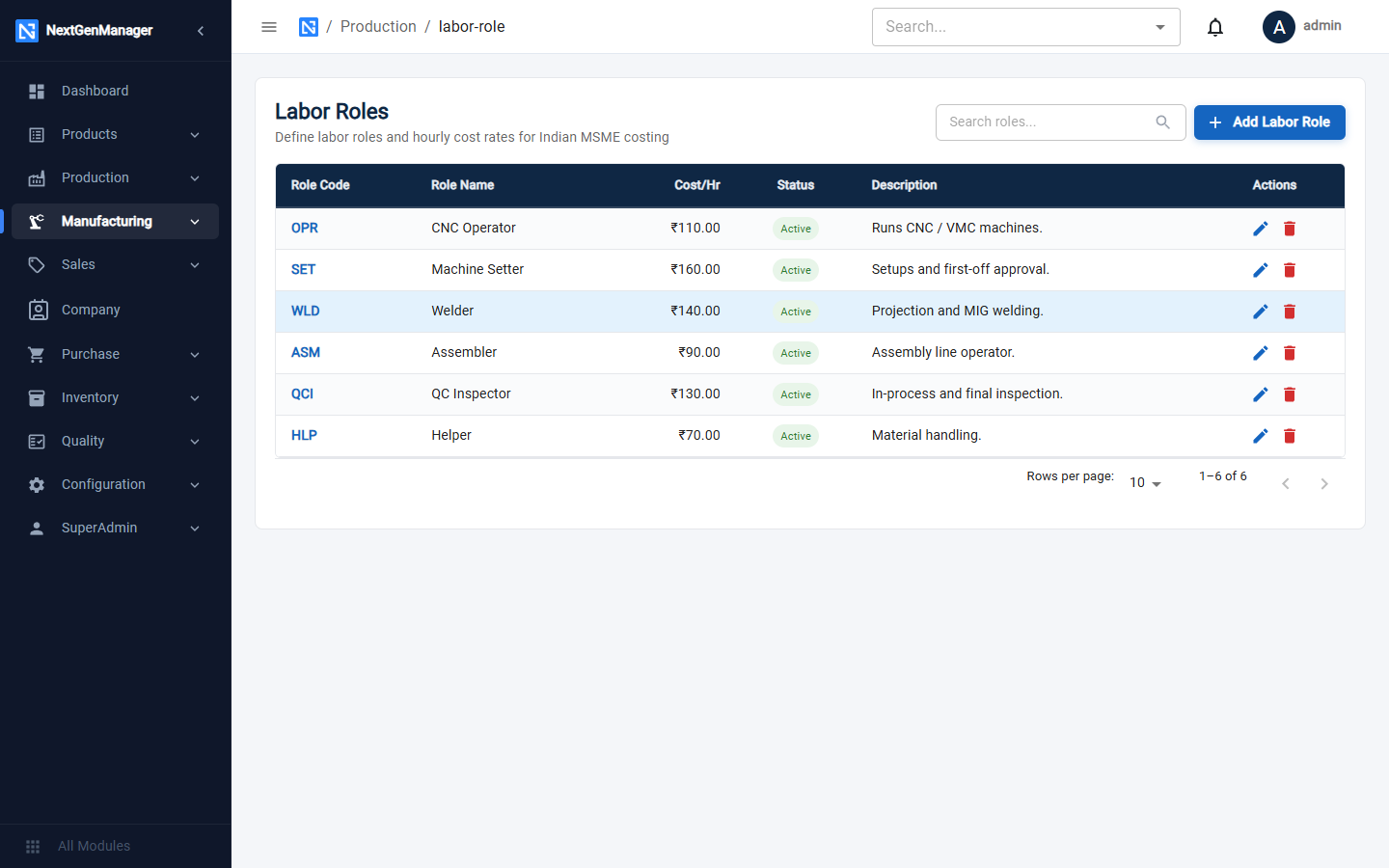
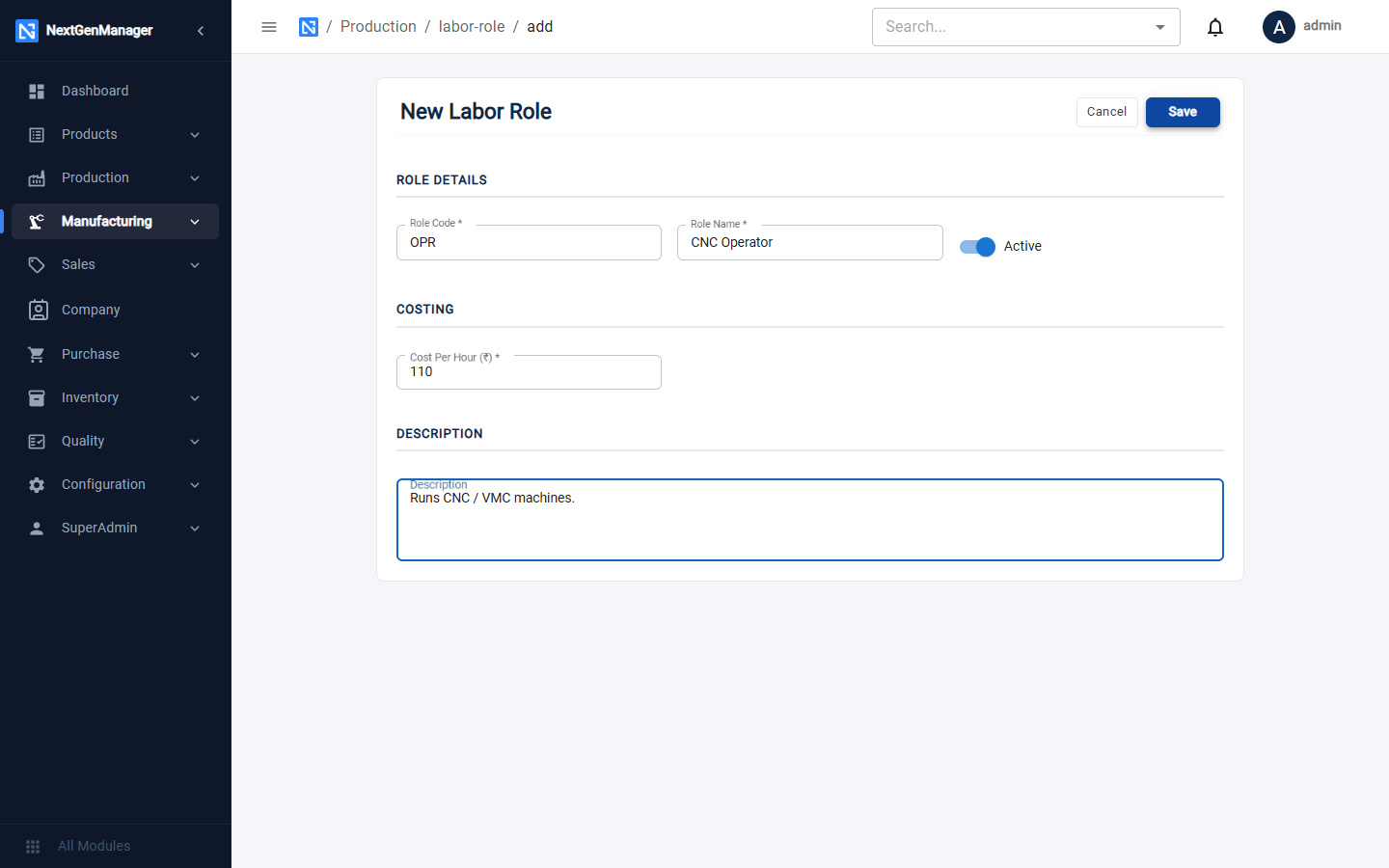
Click Add Labor Role: Role Code, Role Name, Cost Per Hour (all required), the Active switch and a Description.
Production jobs
A production job is a process in your catalogue — turning, drilling, welding, powder coating, inspection. Each operation on a bill of material points to one.
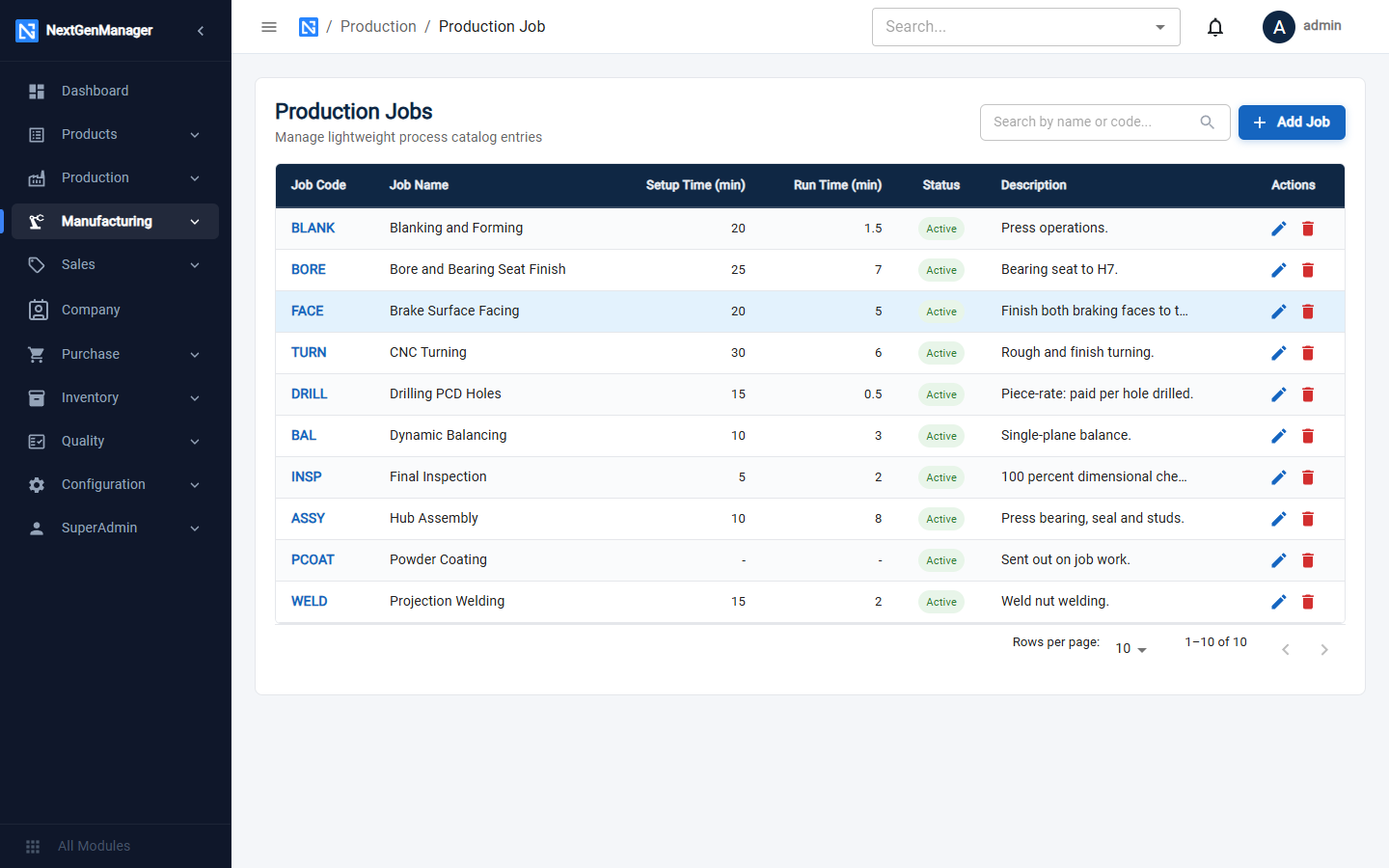
Click Add Job.
| Field | Notes |
|---|---|
| Job Code, Job Name | Required |
| Active | Switch off to retire a job |
| Default Setup Time (min) | Copied into operations that use this job |
| Default Run Time Per Unit (min) | Copied into operations that use this job |
| Default Piece Rate (₹ / each) | For work paid by the piece |
| Piece Unit | What is counted: hole, kg, test |
| Description | Optional |
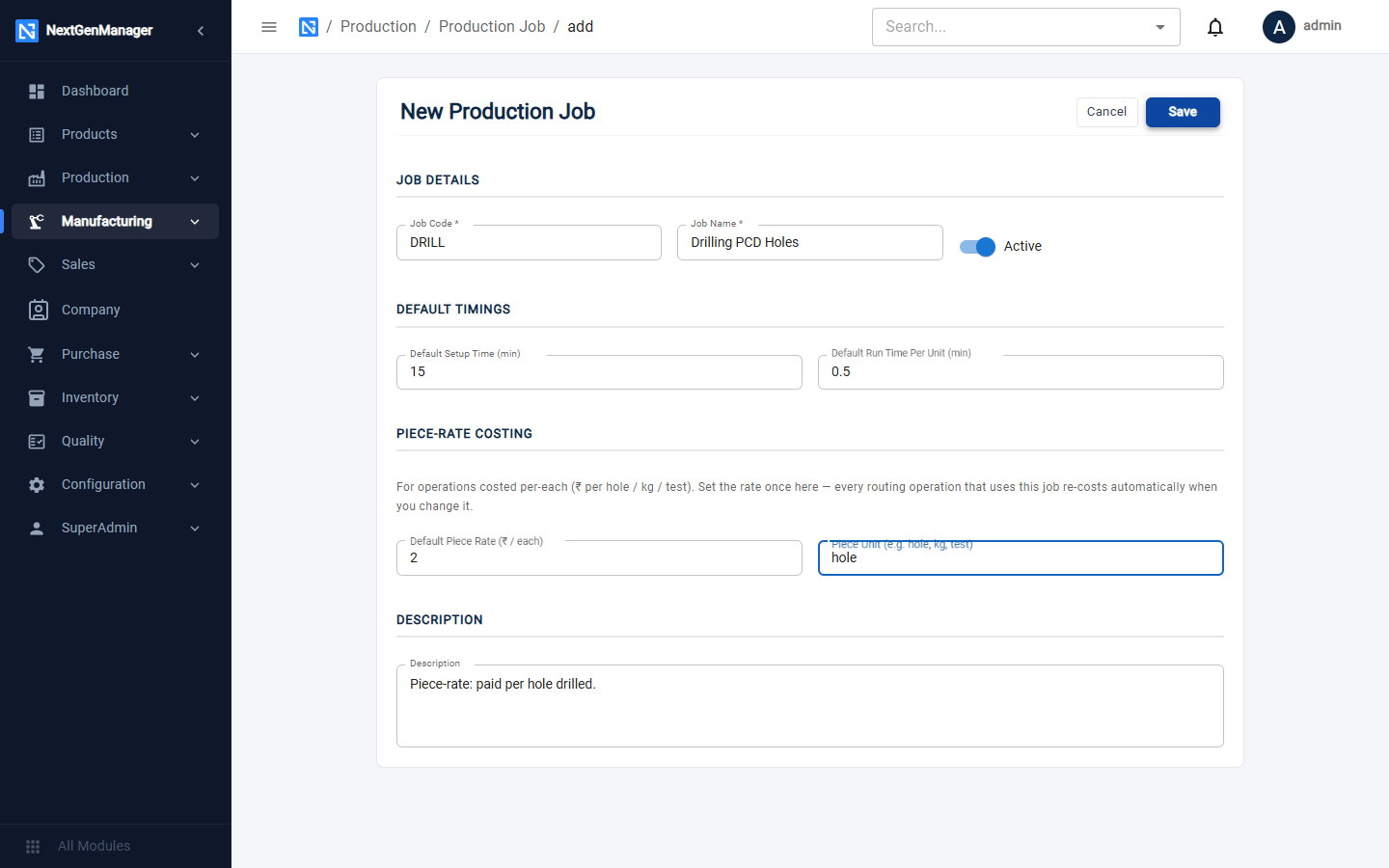
:::info Piece rates If a job has a piece rate, an operation that uses it can be costed as Rate × Quantity, for example ₹2 per hole × 5 holes. Change the rate here and every operation that uses the job is re-costed. See Bill of materials. :::
Holiday calendar
The calendar tells the scheduler which days the plant works.
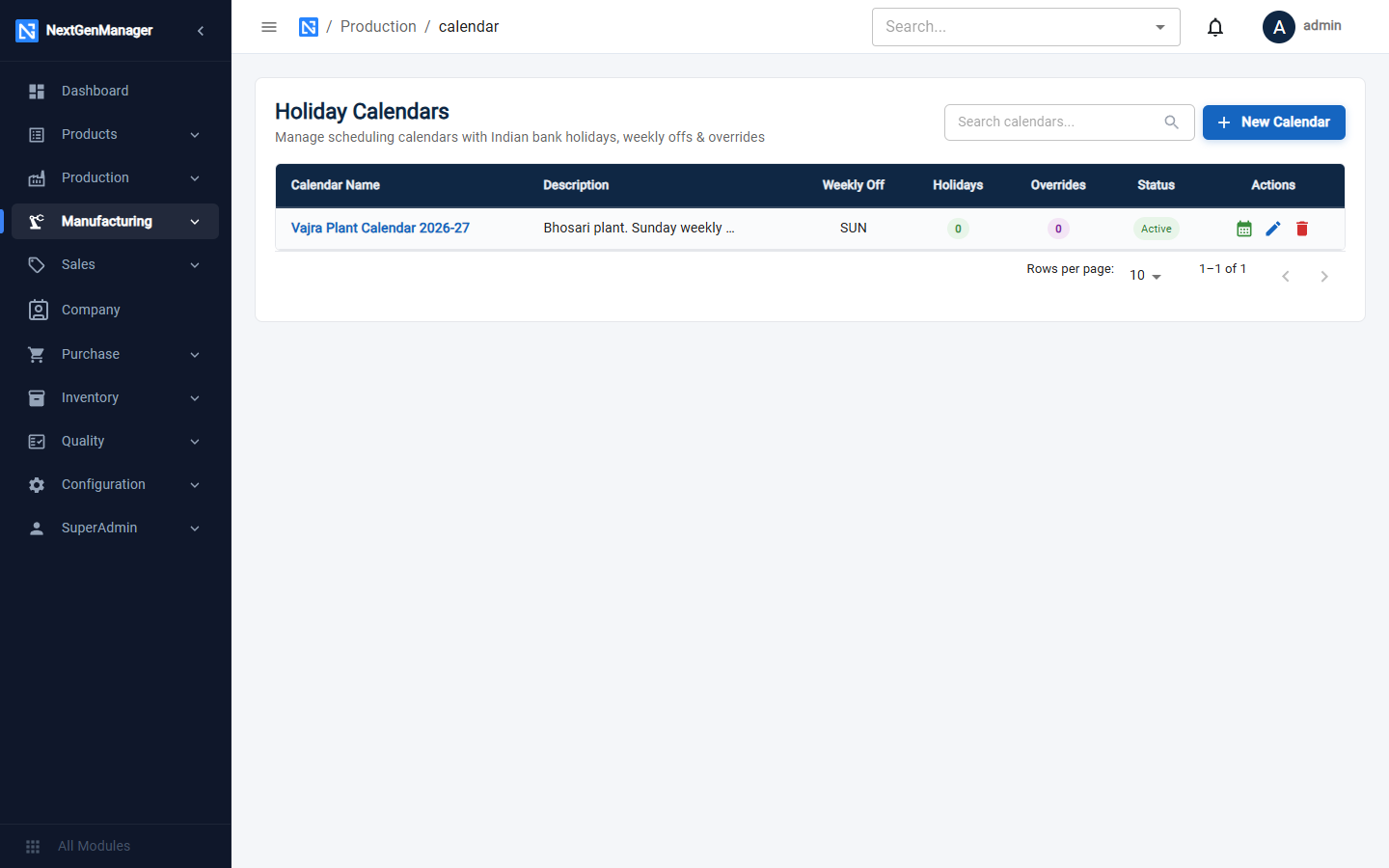
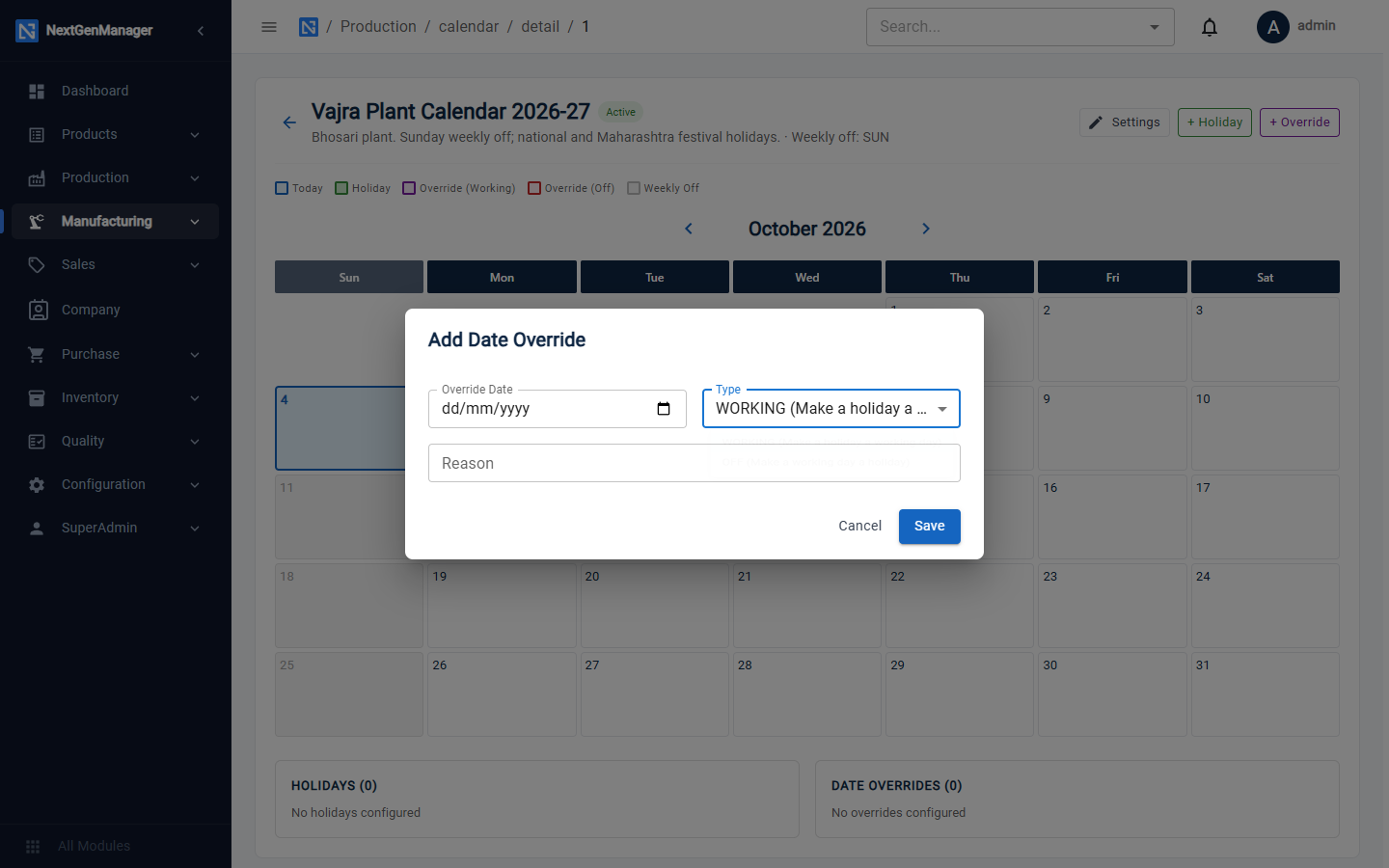
Click New Calendar: Calendar Name, Active, Description and the weekly-off days. Then open the calendar to see its month grid.
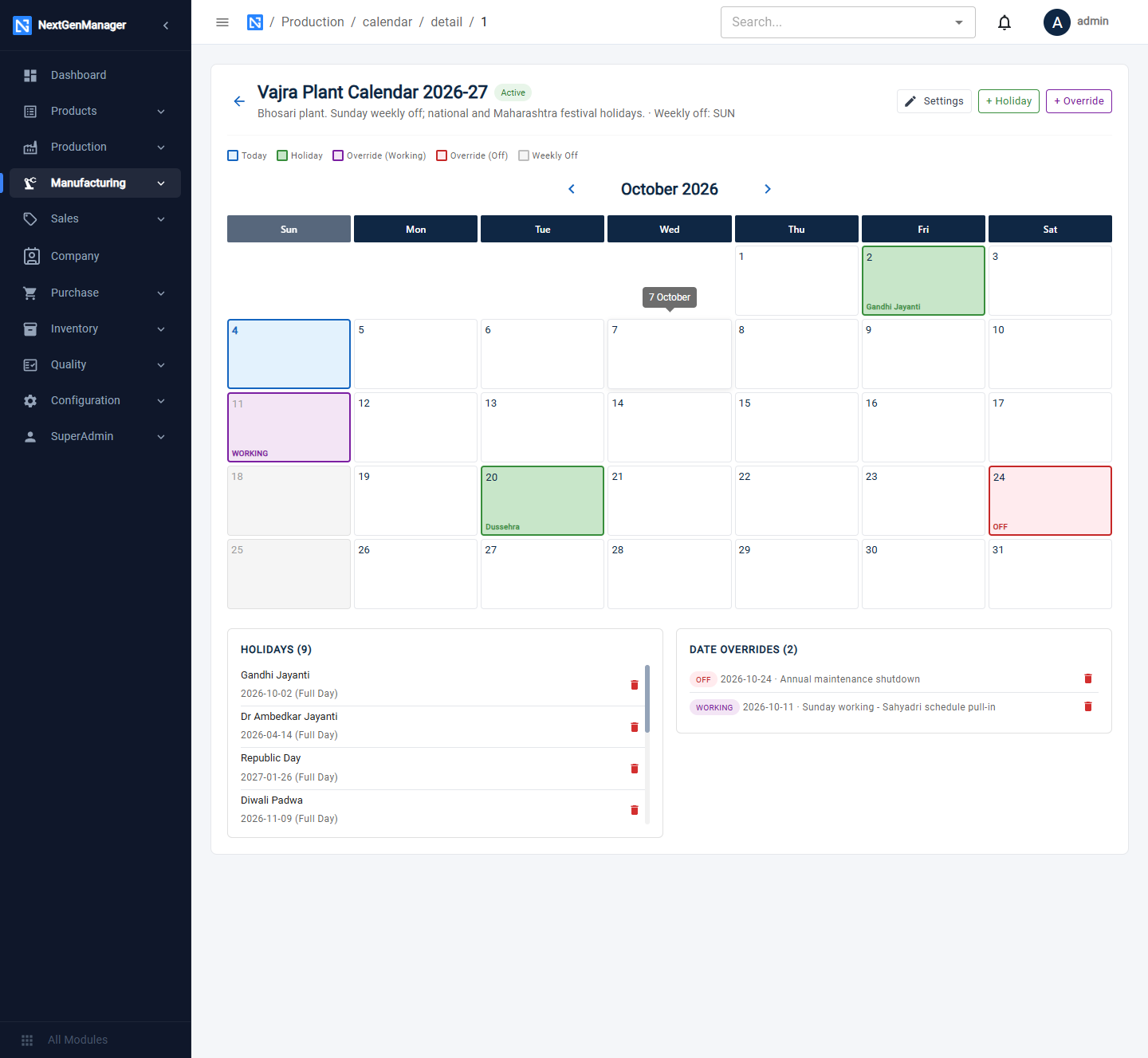
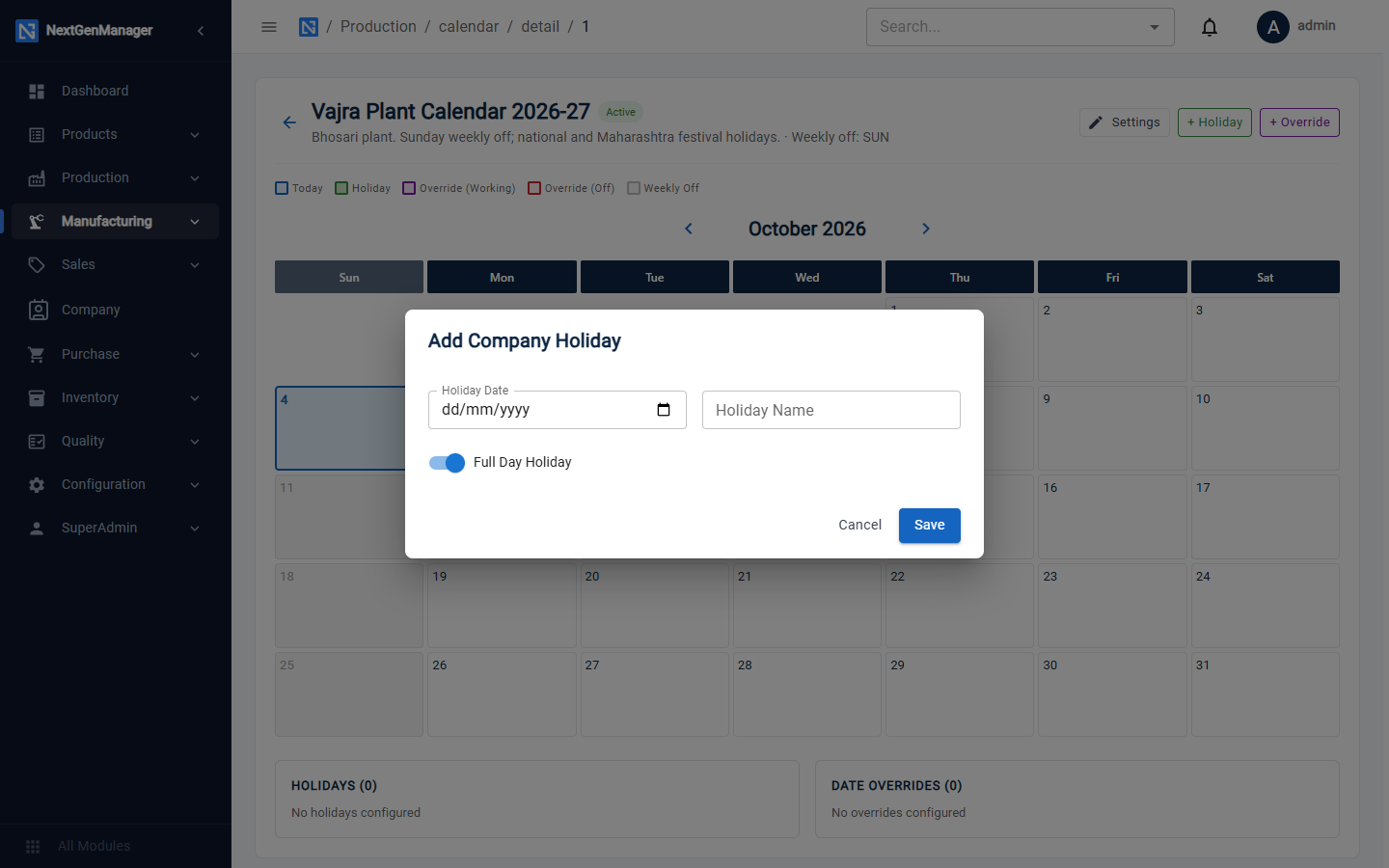
- + Holiday adds a company holiday: date, name and whether it is a full day.
- + Override changes a single day: WORKING makes a holiday or weekly off a working day, OFF makes a normal working day a day off. Give the reason.
Downtime reasons
These are the reasons an operator can pick when reporting a stopped machine. Ten are provided, such as MB01 Machine Breakdown and POW01 Power Failure. Each is marked PLANNED or UNPLANNED.
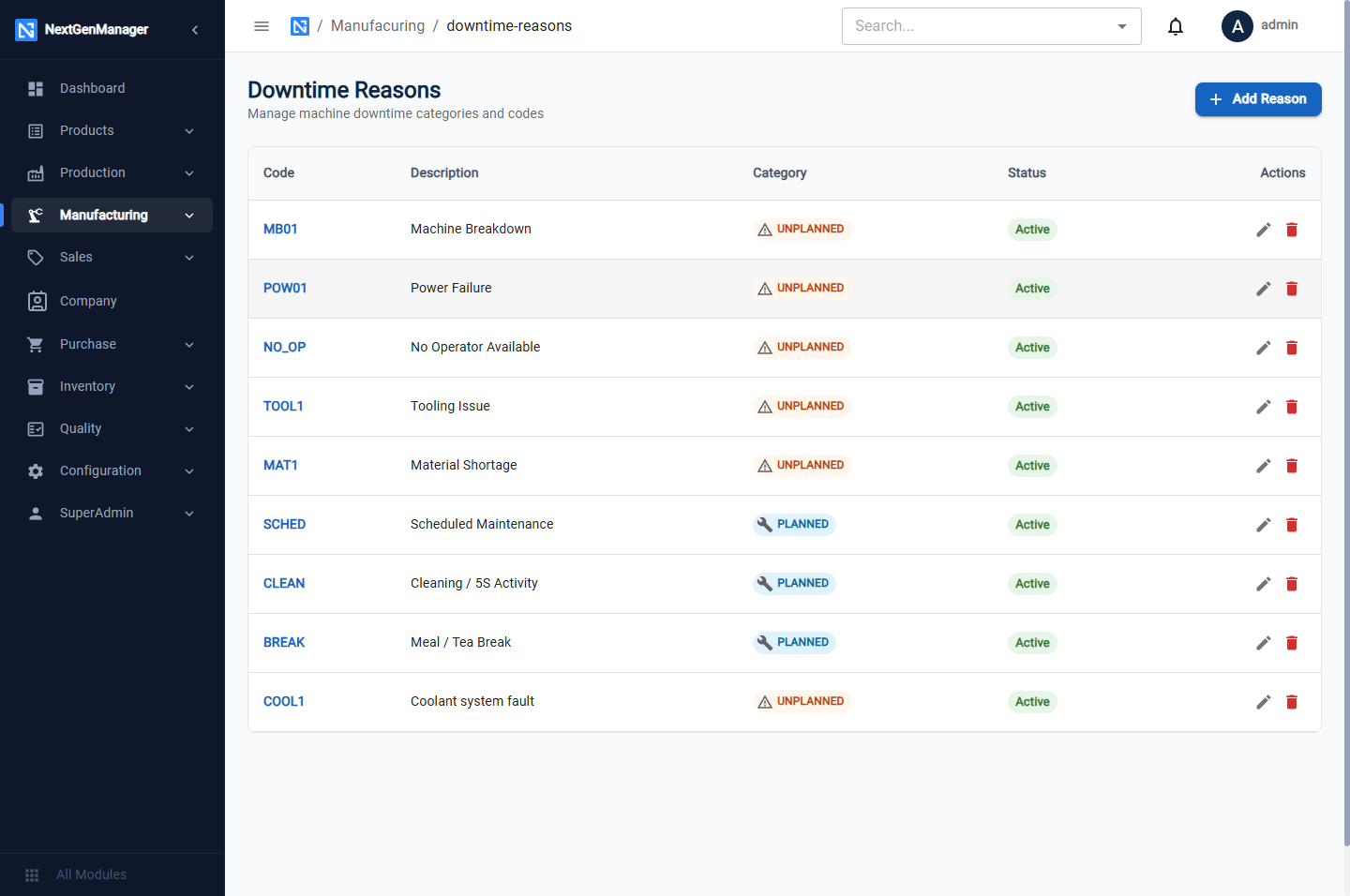
Click Add Reason to add your own: Reason Code, Description and Category.