Introduction
NextGenManager is an ERP for manufacturing companies. It carries one set of records from the first customer enquiry to the money in the bank: products and bills of material, purchasing, stock, work orders on the shop floor, quality, dispatch, invoicing, GST, TDS and the general ledger.
This guide explains every screen in the order a company would normally use it.
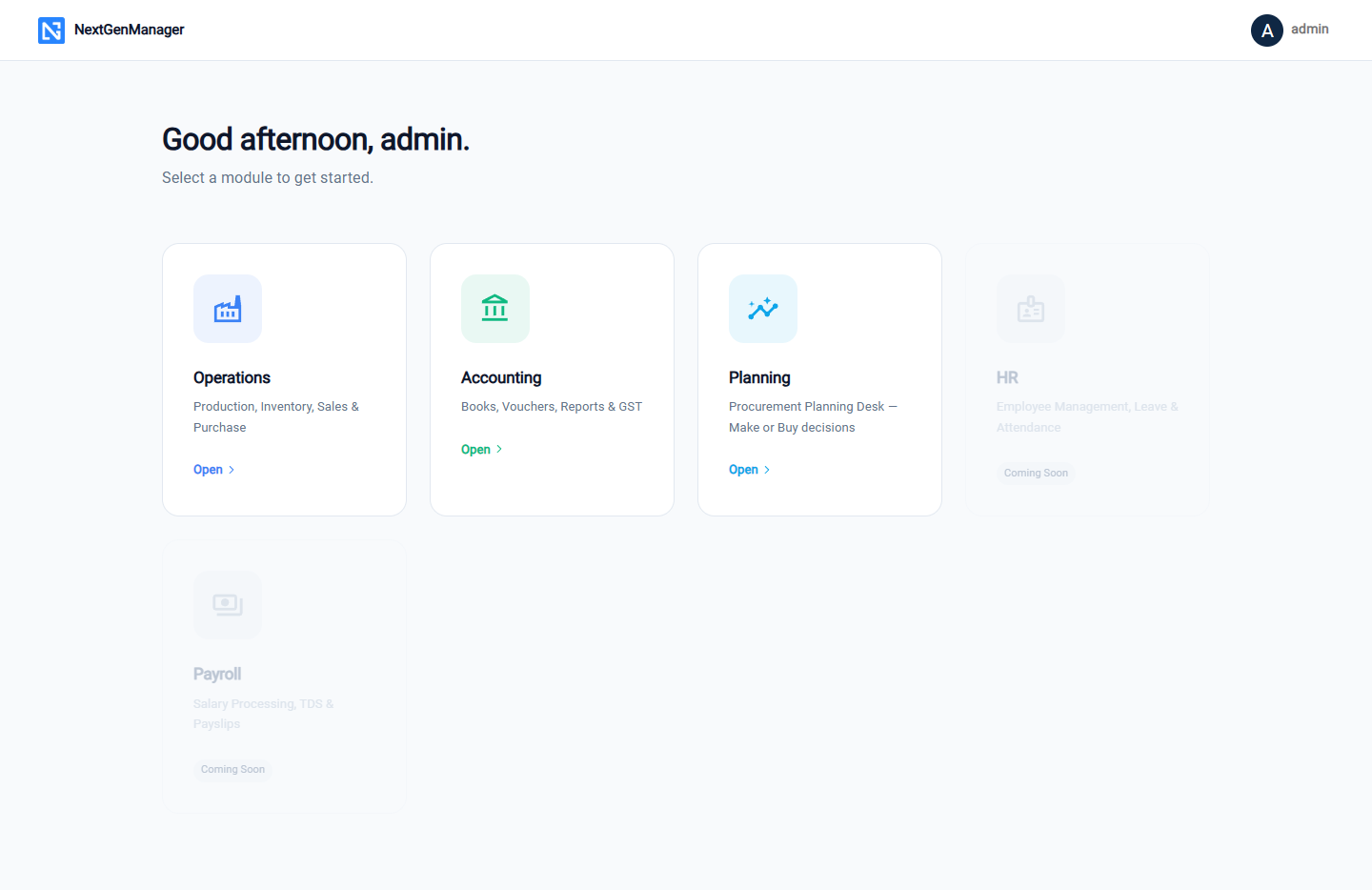
How the guide is organised
| Section | What it covers |
|---|---|
| Getting started | Signing in, finding your way around, company details, users and roles |
| Master data | Customers and vendors, products, work centers, machines, bills of material |
| Purchase | Requisitions, purchase orders, goods receipt, vendor invoices, payments, returns |
| Inventory | Stock register, opening stock, warehouses, transfers, stock count |
| Production | Work orders, shop-floor recording, scheduling, job work, quality |
| Sales | Enquiries, quotations, sales orders, picking, packing, dispatch, invoices |
| Planning | What happens to a shortfall, the Planning Desk, Make or Buy |
| Accounting | Chart of accounts, vouchers, reports, GST returns, TDS |
| Reference | Document numbers, prints and exports, features not yet available |
The example used in the screenshots
Every screenshot comes from one example company, Vajra Auto Components Pvt Ltd, a Pune maker of brake discs, wheel hubs and engine brackets, running its books for the financial year 2026-27. The company, its products and its customers are described in The example company, so you can follow one order all the way through the guide.
What you need
NextGenManager runs in a web browser. Use a current version of Google Chrome, Microsoft Edge, Mozilla Firefox or Safari. Nothing has to be installed on your computer.
Your administrator gives you the address of your company's NextGenManager, a username and a password. Start with Signing in.