Vouchers
Where: Accounting → Vouchers.
Most entries reach the books by themselves, from purchase invoices, sales invoices, payments, stock movements and work orders. Manual vouchers are for everything else: rent, bank charges, salaries, depreciation, corrections.
The Voucher Register
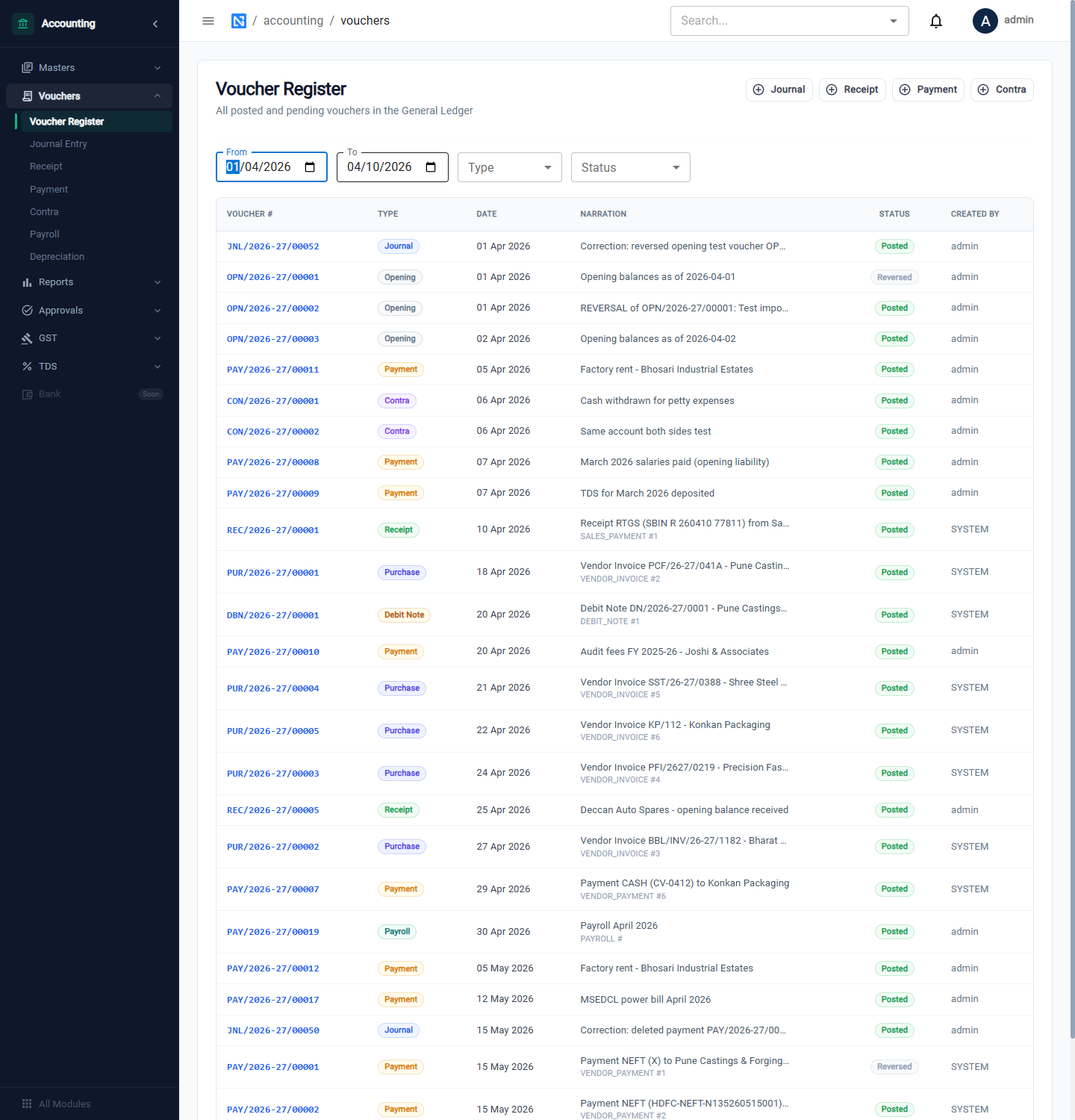
Every voucher, whatever created it. Filter by From and To dates (the list opens on the last few days — widen the dates to see more), by Type (every voucher type, including Opening, Sales and Purchase) and by Status (POSTED, PENDING_APPROVAL, DRAFT, REVERSED). The buttons Journal, Receipt, Payment and Contra open the entry forms.
Voucher numbers show the type, the financial year and a serial: JNL/2026-27/00001.
Open a voucher
Click any row. A panel opens on the right with the voucher's lines — each account with its debit or credit — and the totals. A voucher that has been reversed says which voucher reversed it, and a reversal says which voucher it reverses.
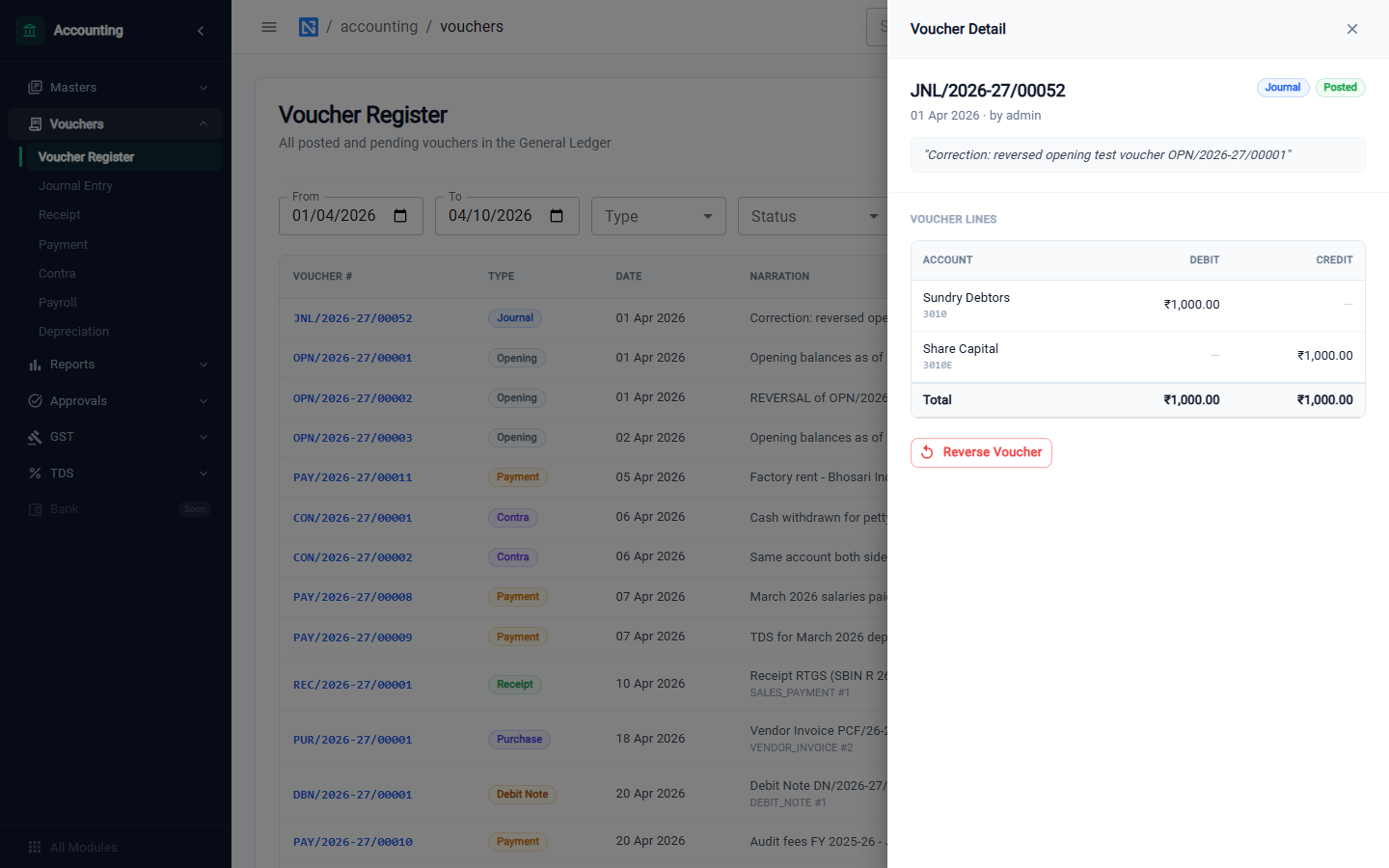
On a Posted voucher the Reverse Voucher button posts an opposite entry. You must give a reason; the original is marked Reversed, and the two together net to nothing in every report.
| Prefix | Voucher |
|---|---|
OPN | Opening balances |
JNL | Journal |
REC | Receipt |
PAY | Payment (and payroll) |
CON | Contra |
PUR | Purchase (vendor invoice) |
SAL | Sales (tax invoice) |
DBN | Debit note |
DEP | Depreciation |
Journal entry
For anything that is not a simple receipt or payment.
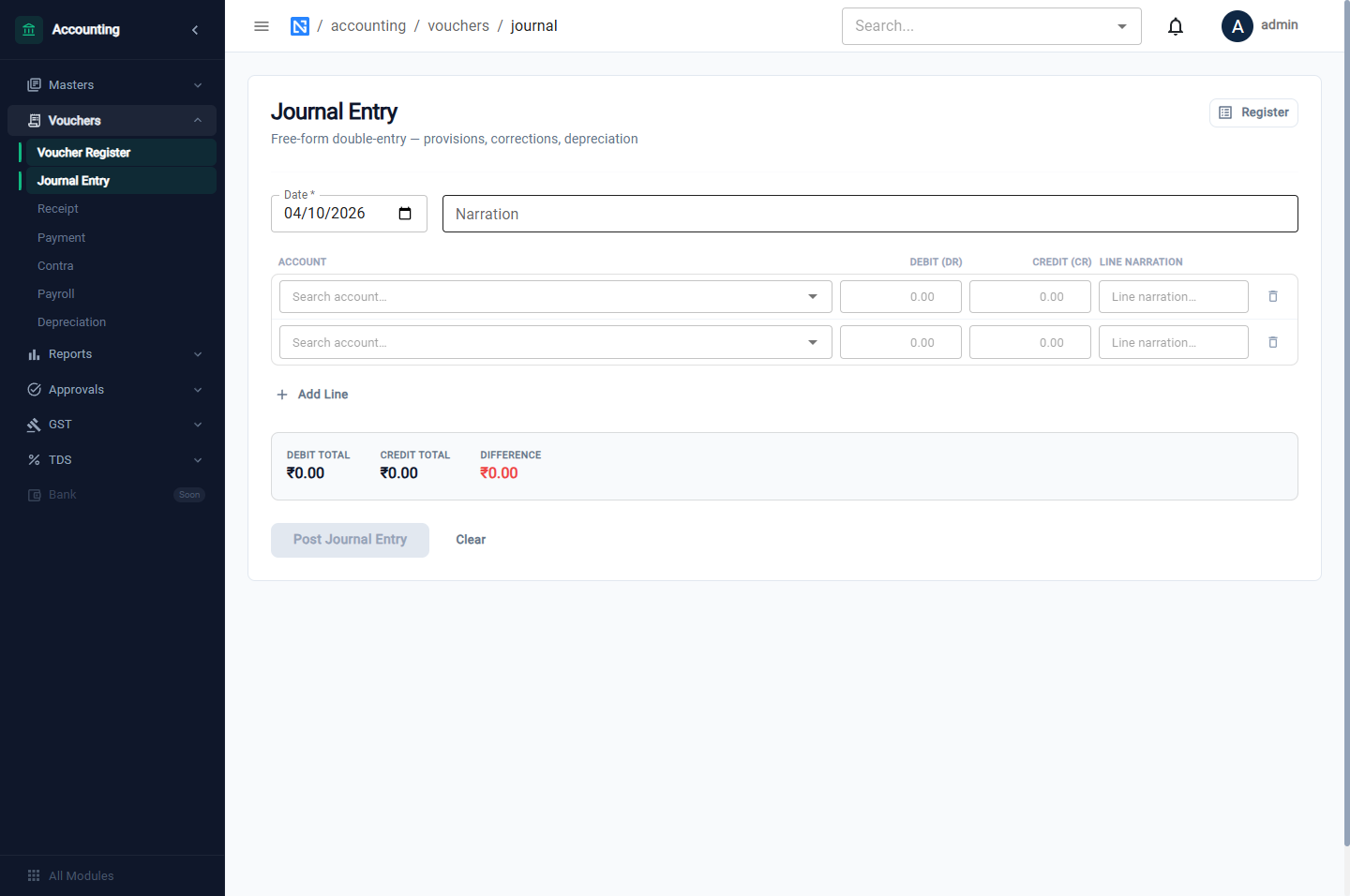
- Enter the Date and a Narration.
- On each line, search for the Account by code or name and enter a Debit or a Credit, with a line narration if you wish.
- Add Line adds more lines.
- Watch the totals at the bottom. Post Journal Entry stays disabled until debit equals credit and the entry is shown as balanced.
Receipt
Money coming in.
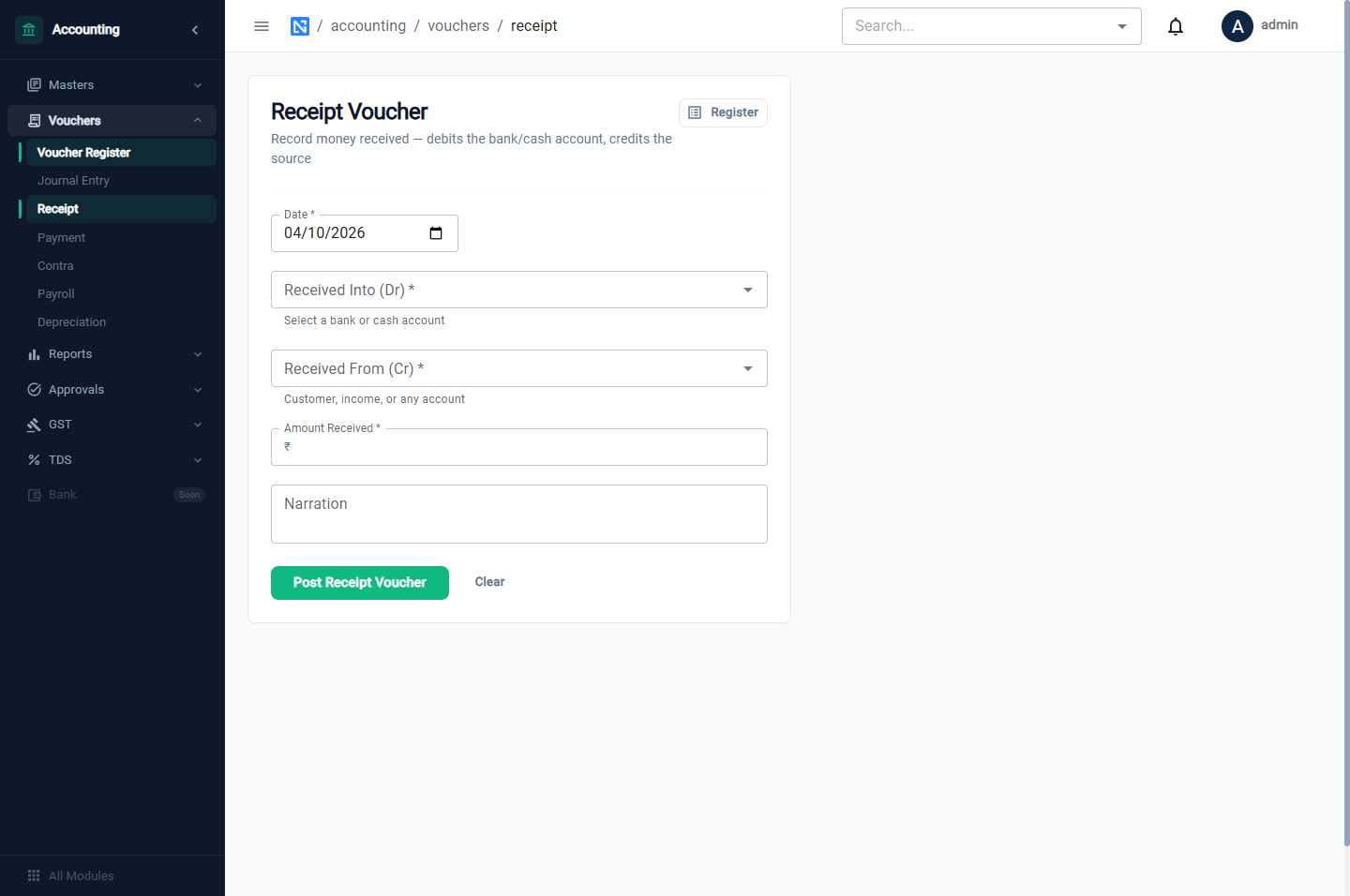
| Field | Notes |
|---|---|
| Date | |
| Received Into (Dr) | The bank or cash account |
| Received From (Cr) | A customer, an income account, or any other account |
| Amount Received | |
| Narration |
Click Post Receipt Voucher.
Payment
Money going out.
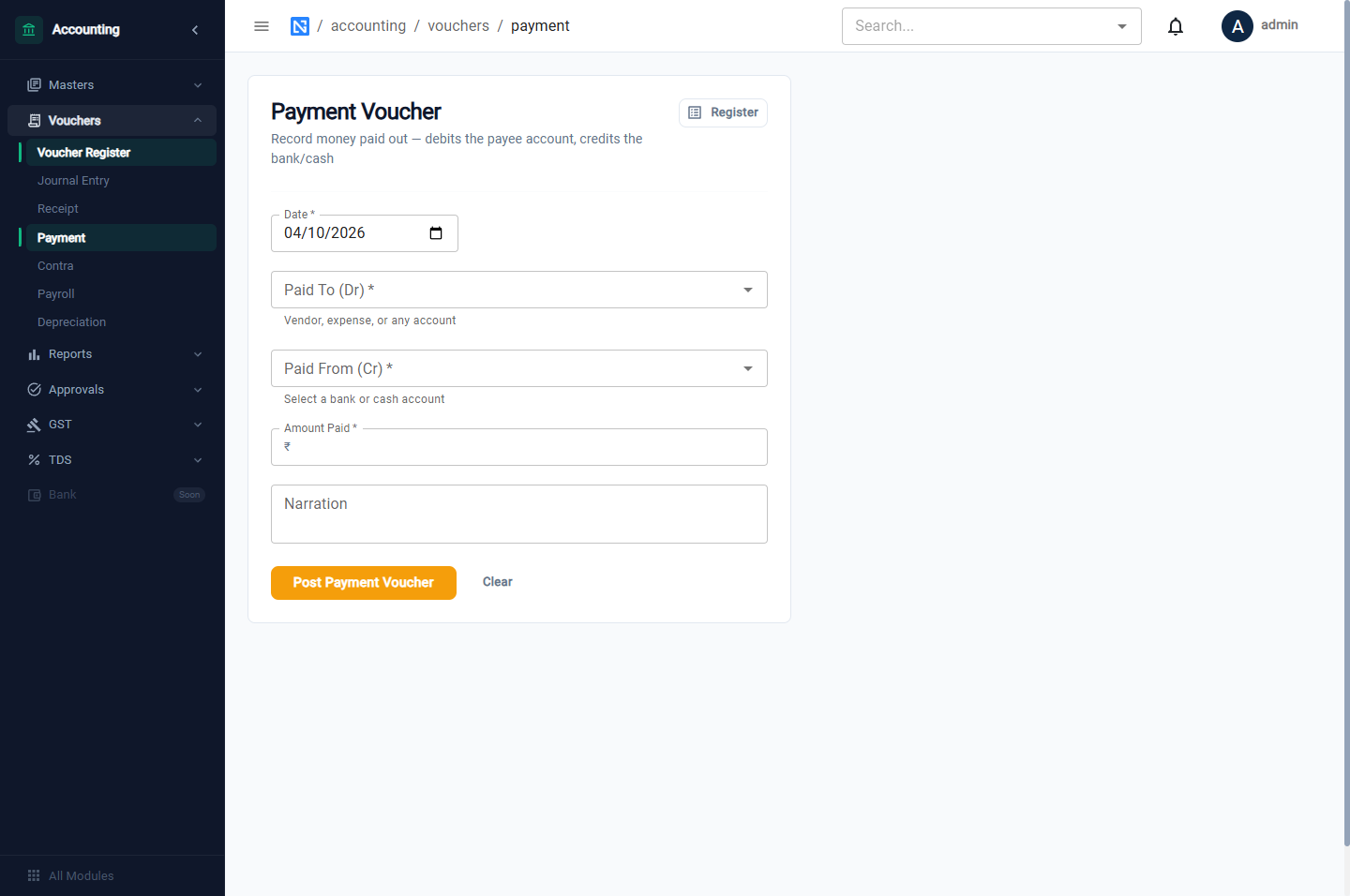
| Field | Notes |
|---|---|
| Date | |
| Paid To (Dr) | A vendor, an expense, or any account |
| Paid From (Cr) | The bank or cash account |
| Amount Paid | |
| Narration |
Click Post Payment Voucher.
:::tip Customers and vendors For money received against a sales order, use Record Payment on the sales order. For a payment against a vendor's bill, use Record Payment on the vendor invoice. Those keep the document's paid amount and the ledger in step. Use the forms here for everything else. :::
Contra
A transfer between your own cash and bank accounts — a cash withdrawal or a deposit.
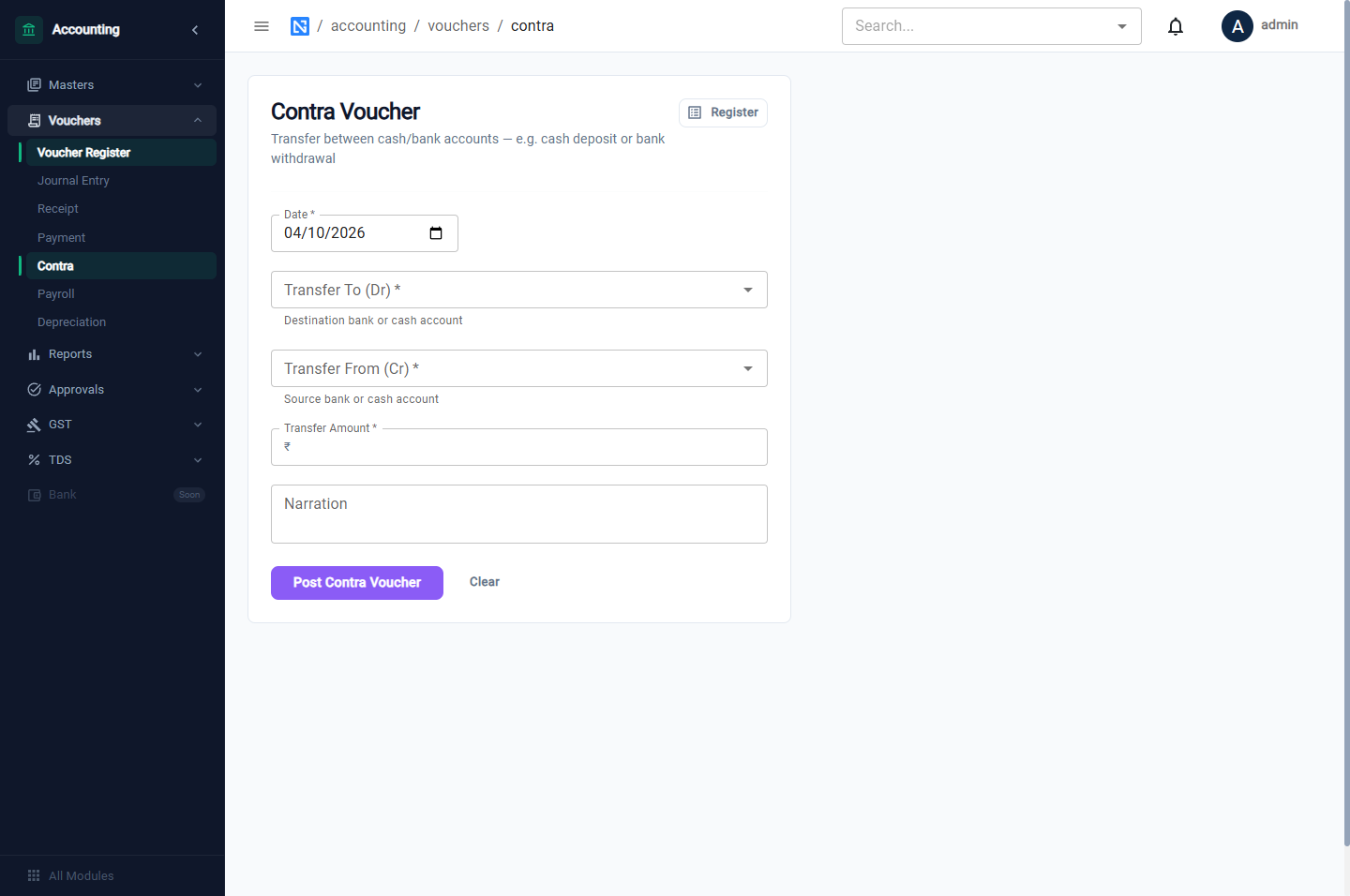
Date, Transfer To (Dr), Transfer From (Cr), Transfer Amount, Narration. Click Post Contra Voucher. Choose two different accounts.
Payroll
Posts the month's salary summary in one entry.
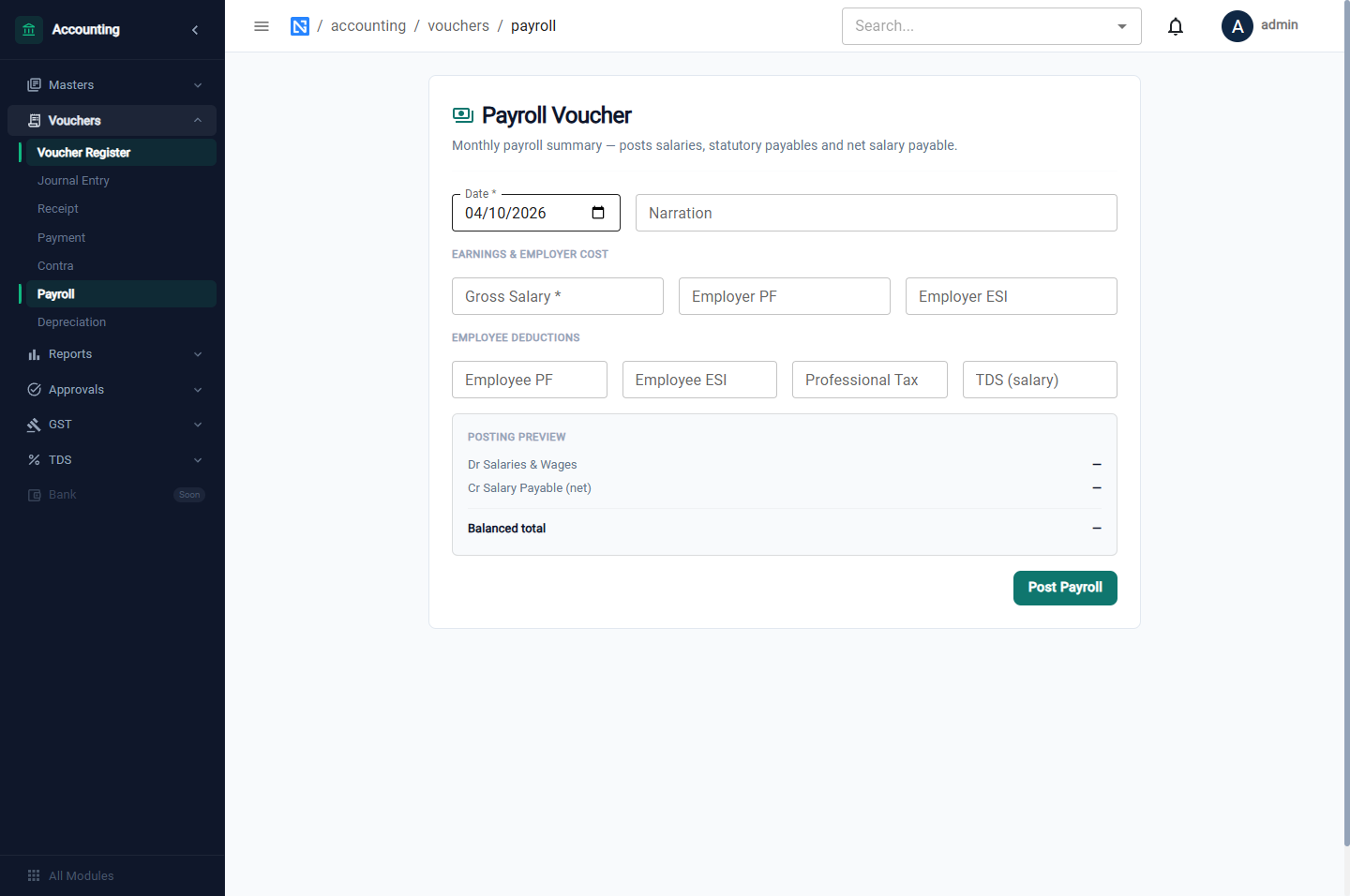
| Field | Notes |
|---|---|
| Date, Narration | |
| Gross Salary | Total earnings |
| Employer PF, Employer ESI | The employer's contributions |
| Employee PF, Employee ESI, Professional Tax, TDS (salary) | Deductions from employees |
The Posting Preview shows the entry as you type: Salaries & Wages is debited with the gross plus the employer's share; PF, ESI, professional tax and TDS payable are credited; and the net pay is credited to Salary Payable. Click Post Payroll.
Paying the salaries and depositing the statutory dues are separate payment vouchers.
Depreciation
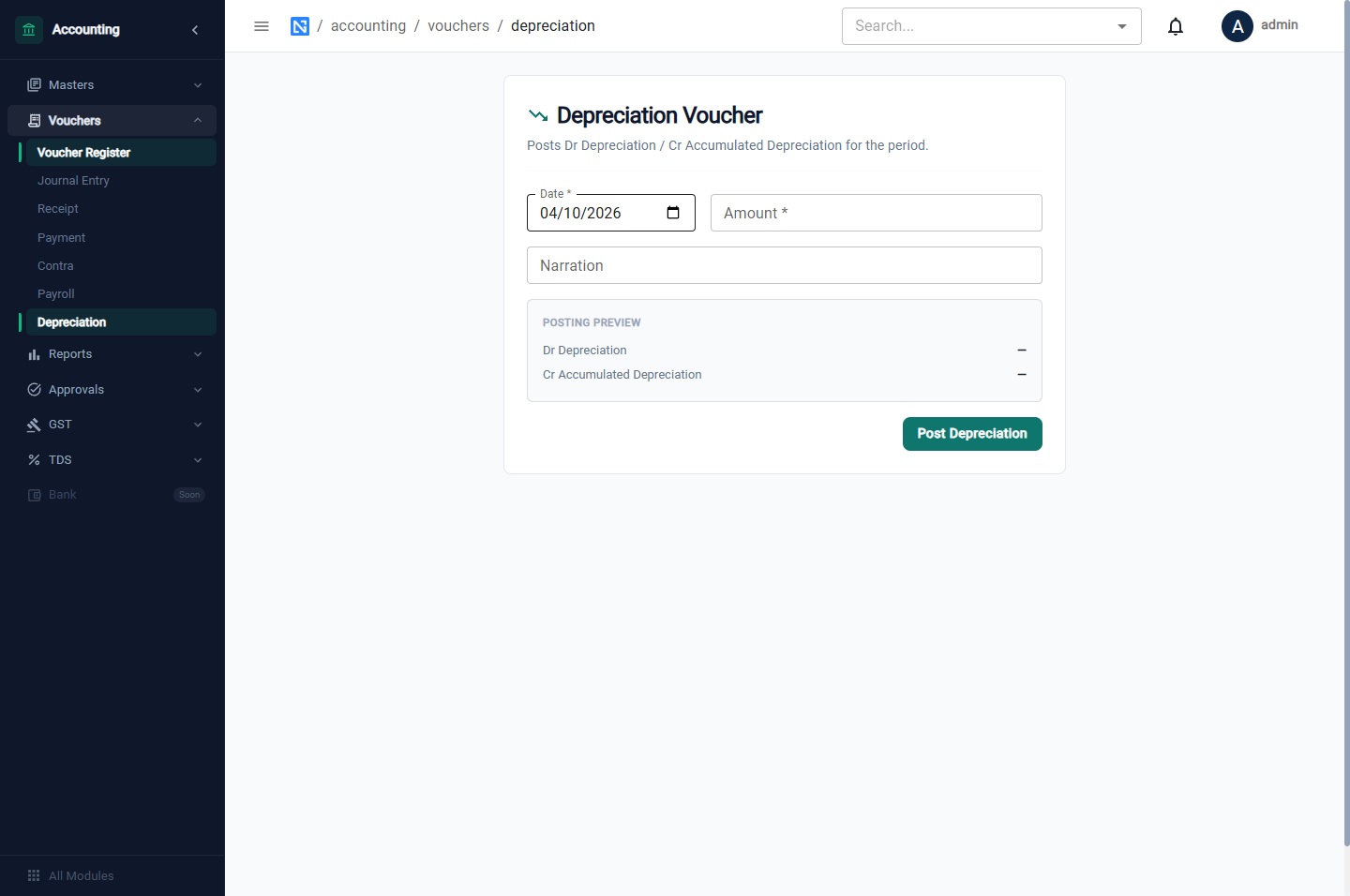
Enter the Date, the Amount and a Narration. The preview shows Depreciation debited and Accumulated Depreciation credited. Click Post Depreciation.
Messages you may see
| Message | Meaning |
|---|---|
| Amount must be greater than zero. | Enter an amount |
| Deductions exceed gross — net pay is negative. | Check the payroll figures |
| Depreciation amount is required. | Enter the amount |
| Cannot post to period containing … : period status is LOCKED | The month is locked; see Financial years |
Correcting a voucher
A posted voucher cannot be edited. To correct one, post a journal entry that puts the mistake right — the opposite entry for the wrong amount, then the correct entry — and say what it corrects in the narration.
:::note Deleting a payment A payment recorded on a vendor invoice or a sales order can be deleted from its payment history. The payment's voucher is reversed — the original stays in the books and the reversal offsets it — so the bank and the party's account return to where they were. :::