Financial years and periods
Where: Accounting → Masters → Financial Years.
Every entry in the books belongs to a monthly period inside a financial year. Nothing can be posted for a date that has no open period, so create the year before you enter any transactions.
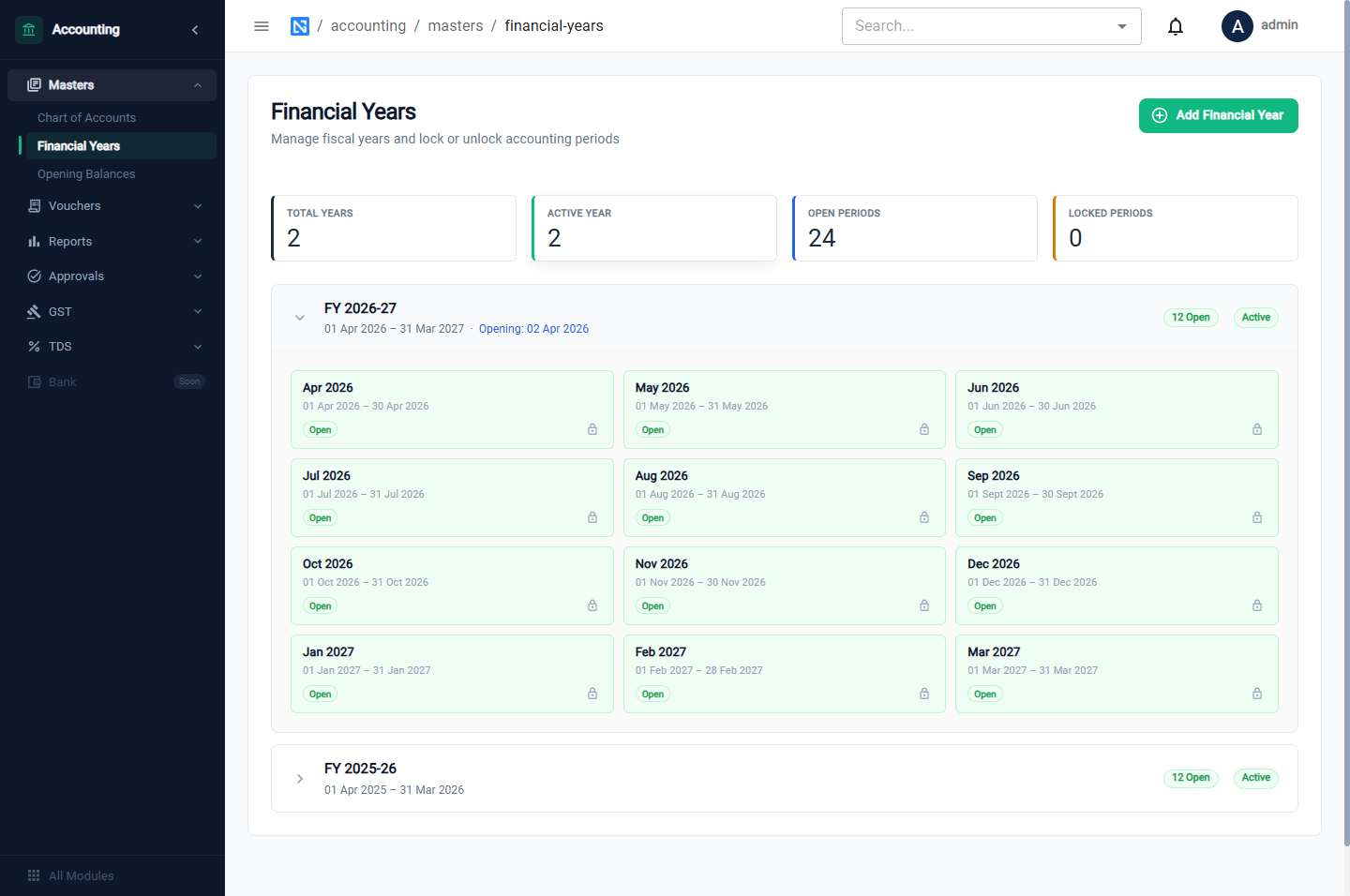
Tiles: Total Years, Active Year, Open Periods, Locked Periods.
Add a financial year
Click Add Financial Year.
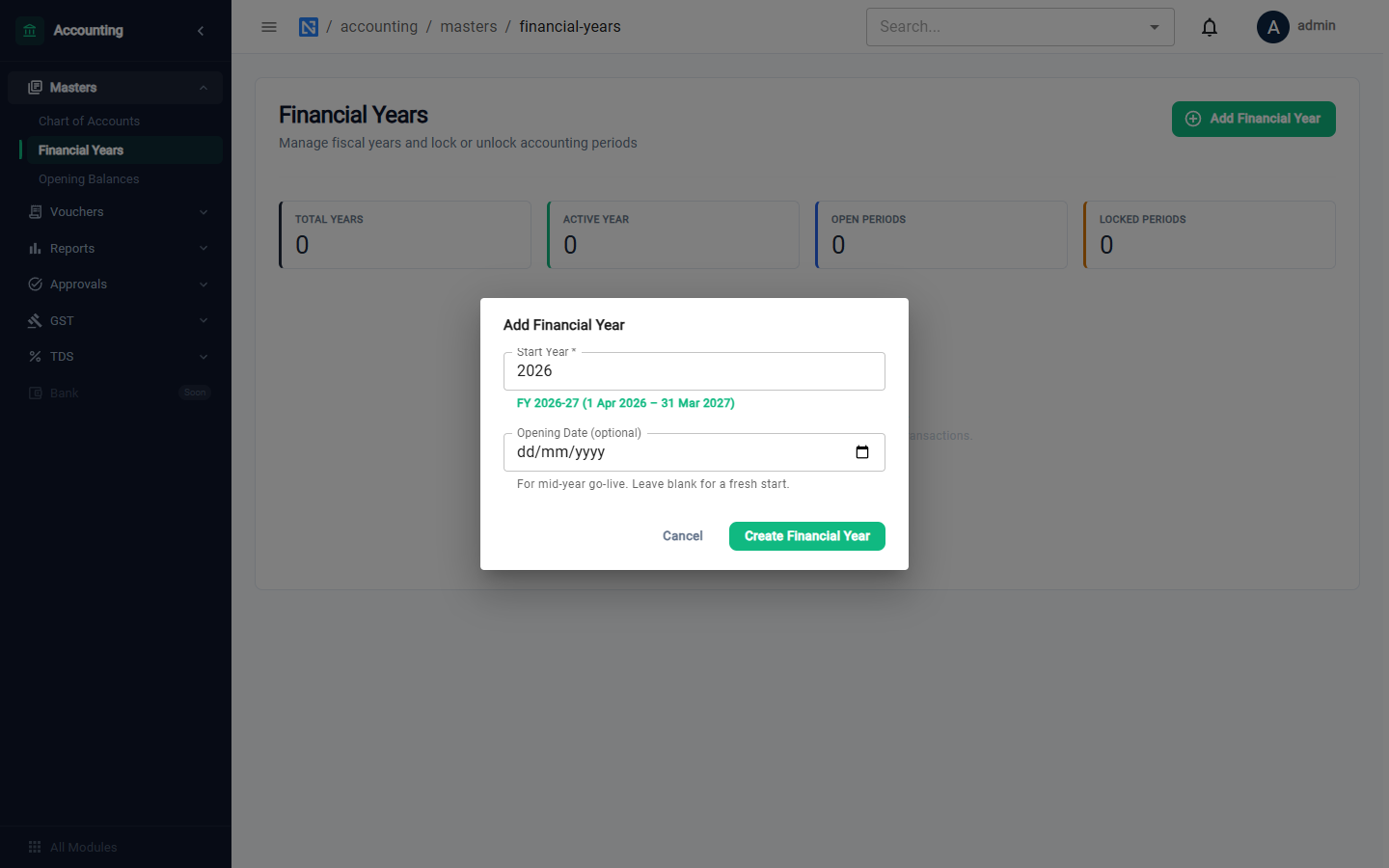
| Field | Notes |
|---|---|
| Start Year | Type the year it starts in. The box shows the result, for example FY 2026-27 (1 Apr 2026 – 31 Mar 2027) |
| Opening Date | Only for a mid-year go-live. Leave it blank for a fresh start on 1 April |
Click Create Financial Year. Twelve monthly periods are created, all Open.
Lock and unlock a period
Open the year to see its twelve periods. Each has a Lock period button.
- A locked period refuses new entries: Cannot post to period containing … : period status is LOCKED.
- Unlock period opens it again.
Lock a month once its books are final, for example after the GST return for it has been filed. Filing GSTR-3B locks the month for you (see GST).
:::note Dates outside the existing years When the next year starts, the system opens it for you the first time a voucher is dated in it. A date earlier than your first year, or more than a year beyond the latest, is refused (No financial year covers 15-03-2025) so that a typo cannot create a year you did not want. Add such a year here with Add Financial Year. :::
Locking and unlocking a period both ask you to confirm.